Virtual Baby Shower Ideas: A Dated Schedule and Hosting Plan
Plan a virtual baby shower with a dated time-zone check, a 45 or 60 minute schedule, clear host roles and phone or asynchronous participation options.
Open the free virtual shower planner ↓- The guest list
- A small live group, with optional wishes from people joining asynchronously
- A little preparation
- Agree the parent's preferences, check the dated guest times and rehearse the real meeting setup

The most useful virtual baby shower ideas make a distant guest feel included without asking them to become a technician. Give everyone one clear event time, a simple way to join and a short plan with room to pass, type a reply or turn the camera off.
Start with the parent(s): would they enjoy a live gathering, a few smaller calls or a collection of messages they can read later? A 45- or 60-minute session is an adaptable editorial starting point, rather than a rule about what a family should manage. The original plans below separate the conversation from the connection work, and the free planner checks local dates as well as clock times.
Choose a format the parent(s) actually want
Ask about the length, the guest group, camera preferences, subjects to avoid and whether gifts should be opened on the call. Agree these privately before preparing activities. A guest can celebrate the family without showing their home, sharing personal information or giving a present.
For a small gathering, keep everyone in one room and let a host guide the turns. If many households want to speak, shorten each turn or arrange smaller sessions; adding a long introduction round to an already full hour usually means something else must be removed. Do not treat the participant limit of a platform as a useful conversation size.
Choose one shared activity and a little direct conversation. Extra apps, compulsory mailed activity kits and elaborate backgrounds are optional styling choices. The essential kit is a usable connection, a cue sheet and an alternative for someone who cannot join in that way.
Keep the overall invitation and correspondence wording with the baby shower invitation guide. Here, decide which date, local times and access instructions that message needs to carry.
Check the date in every guest time zone
Write the actual date and the host’s named time zone before converting anything. An abbreviation such as “EST” does not reliably describe every season or location. Use a location-based IANA name, such as America/New_York, and check the corresponding guest zones.
The IANA Time Zone Database changes as governments change offsets and daylight-saving rules. The planner uses the data installed in your browser. Recheck a future gathering when the date approaches, and compare the results with the calendar and meeting platform you will actually use.
This is a fictional, date-specific example, not an evergreen offset chart: Saturday 7 November 2026 at 14:00 in America/New_York, lasting one hour.
| Location-based time zone | Local start | Local finish |
|---|---|---|
| America/New_York | 7 November, 14:00 | 7 November, 15:00 |
| America/Los_Angeles | 7 November, 11:00 | 7 November, 12:00 |
| Europe/London | 7 November, 19:00 | 7 November, 20:00 |
| Asia/Kolkata | 8 November, 00:30 | 8 November, 01:30 |
The same start is 2026-11-07 at 19:00 UTC. The Kolkata date makes this a useful planning check: a technically correct conversion can still be an inconvenient invitation. Ask about a workable overlap or offer a message route instead of expecting someone to join after midnight.
A clock-change night needs extra care. If the host’s chosen local time occurs twice, the planner asks for the earlier or later occurrence and shows the UTC instant. If the time is skipped when the clock jumps forward, it rejects that choice. Choose an ordinary daytime slot when possible and verify the final dated results before sending.
Give each host a job and a fallback
One person can do more than one job for a very small group, but write down which role they are covering. The parent(s) should not have to admit late guests while also leading the conversation.
| Role | Before the call | During the call | If something fails |
|---|---|---|---|
| Conversation host | Agree the flow and comfortable topics | Welcome guests, guide turns and close | Let the designated backup continue from the cue sheet |
| Connection helper | Test the actual guest join and help route | Handle admission, chat help and access questions | Guide the affected guest to the tested alternate route |
| Timekeeper or activity lead | Prepare one short activity and its stopping point | Read prompts aloud and signal the transition | Skip the remaining round and move to conversation |
| Message or note helper | Check which wishes may be read aloud | Include asynchronous contributions and record agreed gift details | Keep a local copy of the approved messages |
Check whether the chosen service actually permits another person to run the room if the organizer disconnects. If it does, rehearse that handoff; if it does not, choose a specific reconnection instruction and tell helpers where the cue sheet is. “Someone else will take over” needs a tested mechanism, not just a name on a list.
Rehearse the actual connection and handoff
Use the account, device and joining route you intend to use. Check the current meeting length and participant settings on that account before promising an uninterrupted hour. Platform limits and features can change, so this guide does not assume that every free account supports the entire plan.
A platform’s practice room can help with basic device checks. For example, Zoom’s test-meeting instructions cover joining and checking video, audio and the microphone. That is a preparation option if you use Zoom; it does not establish that your actual event settings or backup route work.
Run this short rehearsal with a helper:
- Join as a guest using the instructions you plan to send. Check any login, app, password or admission step.
- Say a full sentence and have the other person repeat it back. Check the selected microphone and speaker, not just the camera image.
- Enable the captions or other requested access option, if supported, and check that the guest can find it.
- Read an activity prompt aloud. Try a spoken answer and a typed answer without adding another app.
- Test the chosen helper’s permissions and the organizer-disconnection handoff. Write down what the guest should do if the room drops.
- Try the actual alternate route. Confirm that a phone-only guest can hear the prompts; do not rely on a screen-shared image to explain the activity.
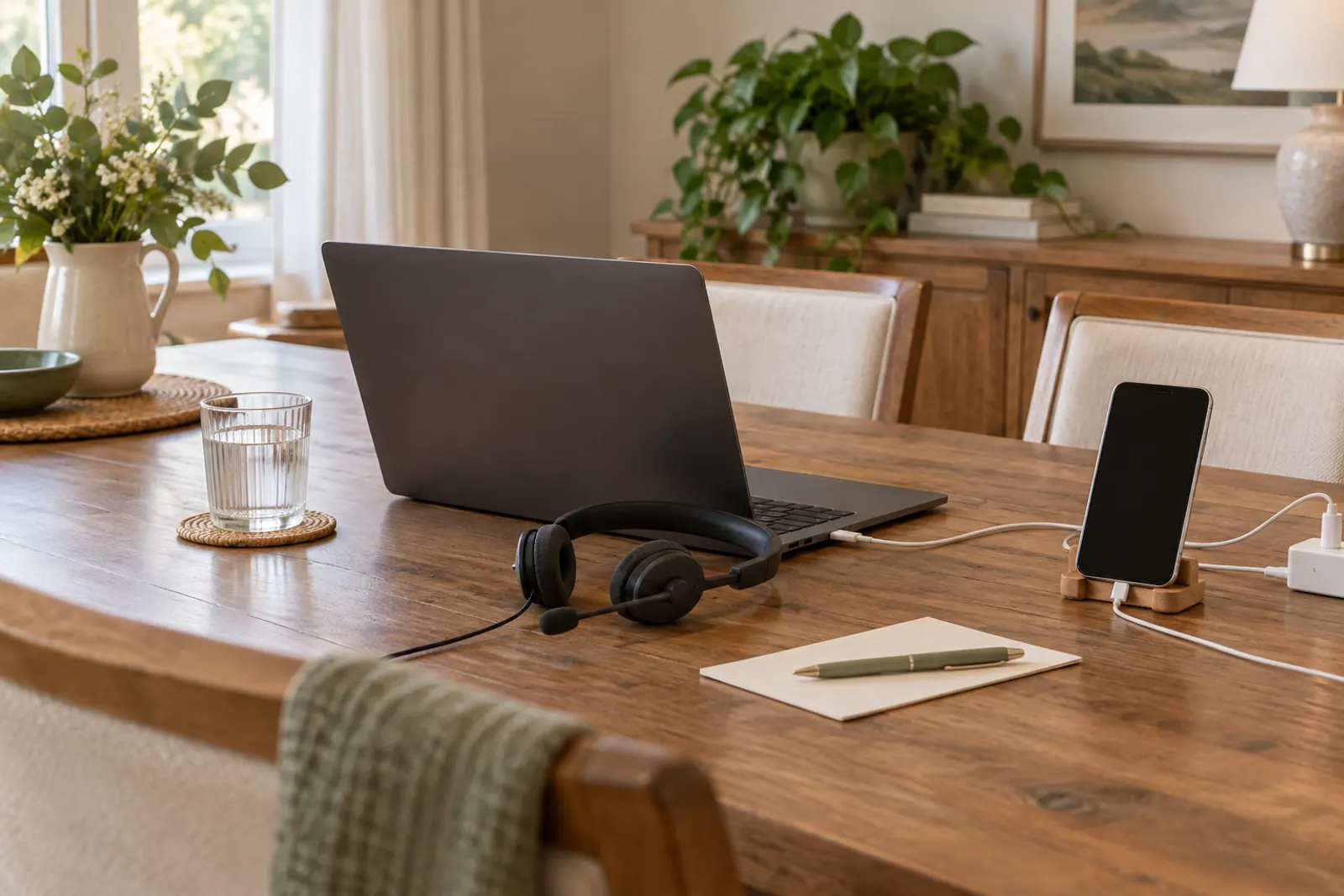
Place the device at a comfortable height, keep its charger connected and put the cue sheet within reach. Open the room 15 minutes before the promised guest start so the hosts can check the connection. That preparation window is separate from the advertised gathering length.
Use a 45 or 60 minute run of show
Choose one template, then adjust the activities to the parent’s preferences. The planner turns these blocks into clock times for your actual date. Its role names are jobs to assign, not people it has recruited.
| Segment | 45-minute plan | 60-minute plan | Host cue |
|---|---|---|---|
| Welcome and access check | 0–5 minutes | 0–5 minutes | State the finish time, camera choice and how to ask for help |
| Short hello round | 5–13 | 5–15 | One sentence per household; passing is welcome |
| One shared activity | 13–23 | 15–30 | Read every prompt and accept spoken or typed answers |
| Conversation with the parent(s) | 23–33 | 30–42 | Use agreed subjects and leave room for a pause |
| Optional gift story or memory round | 33–40 | 42–52 | Show only received gifts if agreed, or share memories instead |
| Wishes from afar | 40–43 | 52–57 | Read only contributions cleared for sharing |
| Thanks and close | 43–45 | 57–60 | Explain agreed follow-up and finish on time |
If the hello round takes longer, shorten or skip the activity rather than borrowing time from the promised finish. A pause for the parent(s) is more useful than completing every block. Keep a glass of water nearby and agree a discreet way to signal a break.
For an office shower, make attendance and personal disclosures optional. Use one workplace-appropriate prompt, then leave space for congratulations. There is no need to ask coworkers about pregnancy, birth plans or family arrangements to make the session personal.
Pick one activity that works without another app
Use an original one-sentence memory round: “Share a small kindness you hope this family gets to experience.” Give each willing household a short turn, allow a pass and let the helper read a typed answer. This works without a score, mailed materials or screen sharing.
Another option is three everyday choices. Ask the parent(s) in advance for three harmless preferences they are happy to share, such as a favorite bedtime book genre, a comforting snack or a song they enjoy. Guests guess by voice or chat; the parent(s) reveal the answer if they want to. These are conversation prompts, not claims about the baby’s future personality or development.
If the family wants a game, use the existing baby shower bingo resource, tell guests about any printing or device requirements beforehand and allow them simply to watch. Do not spend the first activity block troubleshooting a surprise download.
Gifts can be acknowledged after the gathering instead of opened live. If opening is agreed, choose a few already received items and keep the giver’s name connected to the actual gift. Never call on someone to explain why they have not given a present. The thank-you wording and private tracker handle the later correspondence separately.
Offer a phone or asynchronous way to join
For a phone route, check what the actual invitation offers. Zoom’s joining guidance, for example, describes dialing the number provided when that option is available. Dial-in availability, countries and charges depend on the service, account and caller; verify those details before offering it to a guest.
Tell the helper which guest needs audio-only participation without sharing unnecessary personal details with the whole group. Read the prompt, identify the speaker and describe any gift or image being discussed. Let the person answer aloud or pass. If phone audio is unavailable, arrange a separate call or a message route the guest can actually use.
An asynchronous option can be one short written wish, an optional voice message or a card sent privately to the host. Set an agreed deadline, such as the evening before, so the helper has time to check names and sharing preferences. Ask whether the message may be read to the live group, forwarded only to the parent(s) or kept private.
The host can read approved wishes during the final block. Do not automatically record the meeting or distribute a recording as the fallback; agree consent and access first if the family wants a recording. A later private thank-you or a small collection of permitted messages can include someone without sharing everyone’s home or conversation.

Build your dated plan
Open the free virtual baby shower planner. It is a separate, self-contained page that can be saved from your browser for local use. There is no account, automatic saved copy or synchronization between helpers.
- Enter the actual host date, local start time and IANA time-zone name. Add up to six guest zones, one per line; guest names are not needed.
- Choose 45 or 60 minutes. Leave the repeated-time choice at Ask me to choose unless a clock-change date requires a deliberate earlier or later occurrence.
- Select A4 or US Letter and choose Build current plan. Read the local dates, UTC start and host check-in time together.
- Copy the current plan, download its text file or request browser printing. The complete printout may use several readable pages; check every page in the preview.
- Add your actual meeting link, access instructions and the people assigned to each role yourself. The planner does not schedule a room or send a message.
Any change clears the old results, including a paper change. Rebuild before copying or printing. The Load dated example button deliberately loads the fictional November example after confirmation when you already have work; it is not your event until you replace its entries.
Keep copied and downloaded plans private if you add personal details later. Clearing the tab does not remove copies already downloaded, printed or sent elsewhere. Put the rehearsal and host handoff into the wider baby shower planning checklist, then let the live gathering stay simple enough to enjoy.
Useful virtual baby shower ideas share one dated event time, give hosts separate jobs and leave guests a simple way to participate. Choose a 45 or 60 minute flow, rehearse the actual connection and offer spoken, typed, phone or asynchronous options without making gifts or camera use compulsory.
Checklist from this story
0 / 10 ready
Sources and file checks
The two run-of-show templates, host cues and private offline planner are original Fête & Fig resources. The planner uses the event date and browser IANA time-zone data, rejects skipped local times and requires a choice for repeated times. Date conversion and stale-output behavior are checked separately from an actual platform rehearsal. It does not create meetings, send invitations, upload entries or autosave. All photographs are AI-created concepts; no real hosted event is claimed.
- IANA: Time Zone DatabaseNamed local zones and the fact that boundaries, UTC offsets and daylight-saving rules can change, so an event needs its actual date and current local checks.
- ECMA-402: Intl.DateTimeFormatFormatting the same instant in named time zones using the browser's installed data; the planner round-trips candidate start times and does not silently adjust a skipped clock time.
- Zoom: Joining a test meetingA platform-specific example of rehearsing the guest join, video, speaker and microphone steps before the actual event.
- Zoom: Joining a meetingPhone participation depends on an available dial-in number in the actual meeting invitation; the guide does not promise a phone route for every service or account.